Signing in
How to sign in to the portal through the e-Government Gateway, finish your first sign-in and sign out.
Last updated on
How to sign in
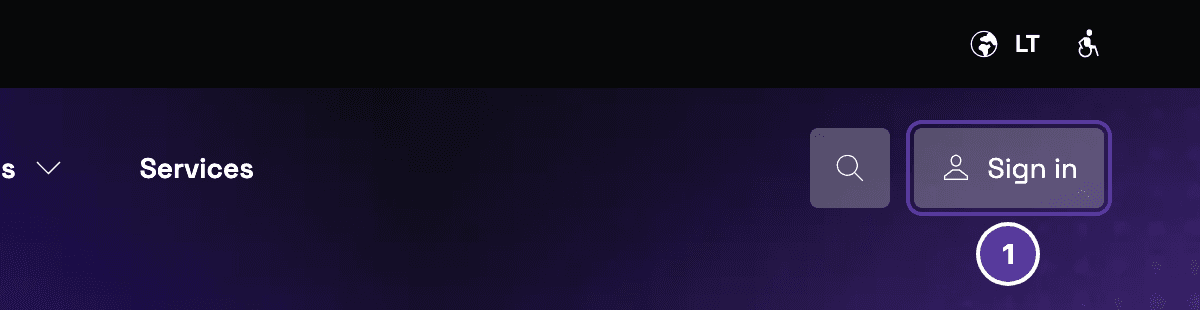
Choose how to sign in
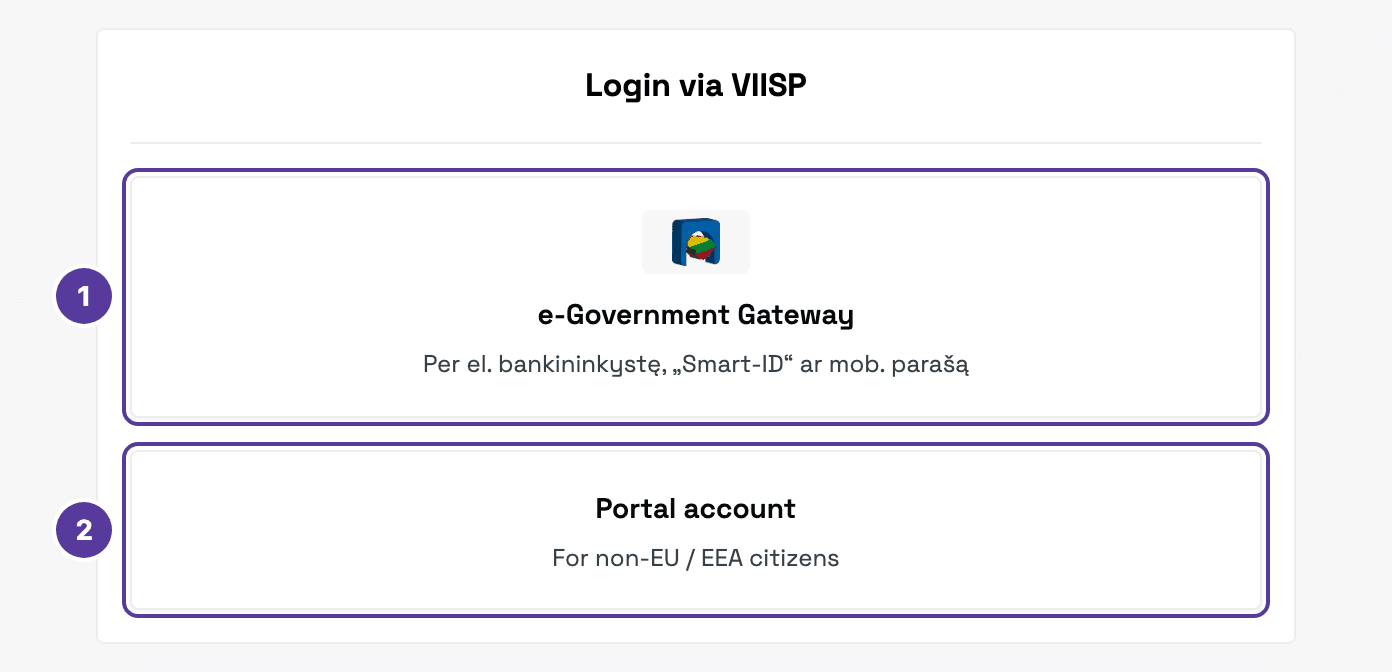
- e-Government Gateway (El. valdžios vartai, VIISP) — through e-banking, Smart-ID or a mobile signature.
- Portal account — for non-EU / EEA citizens.
Confirm who you are
On the e-Government Gateway, pick how to sign in and sign in as usual. You are then taken back to the portal. The gateway opens in Lithuanian:
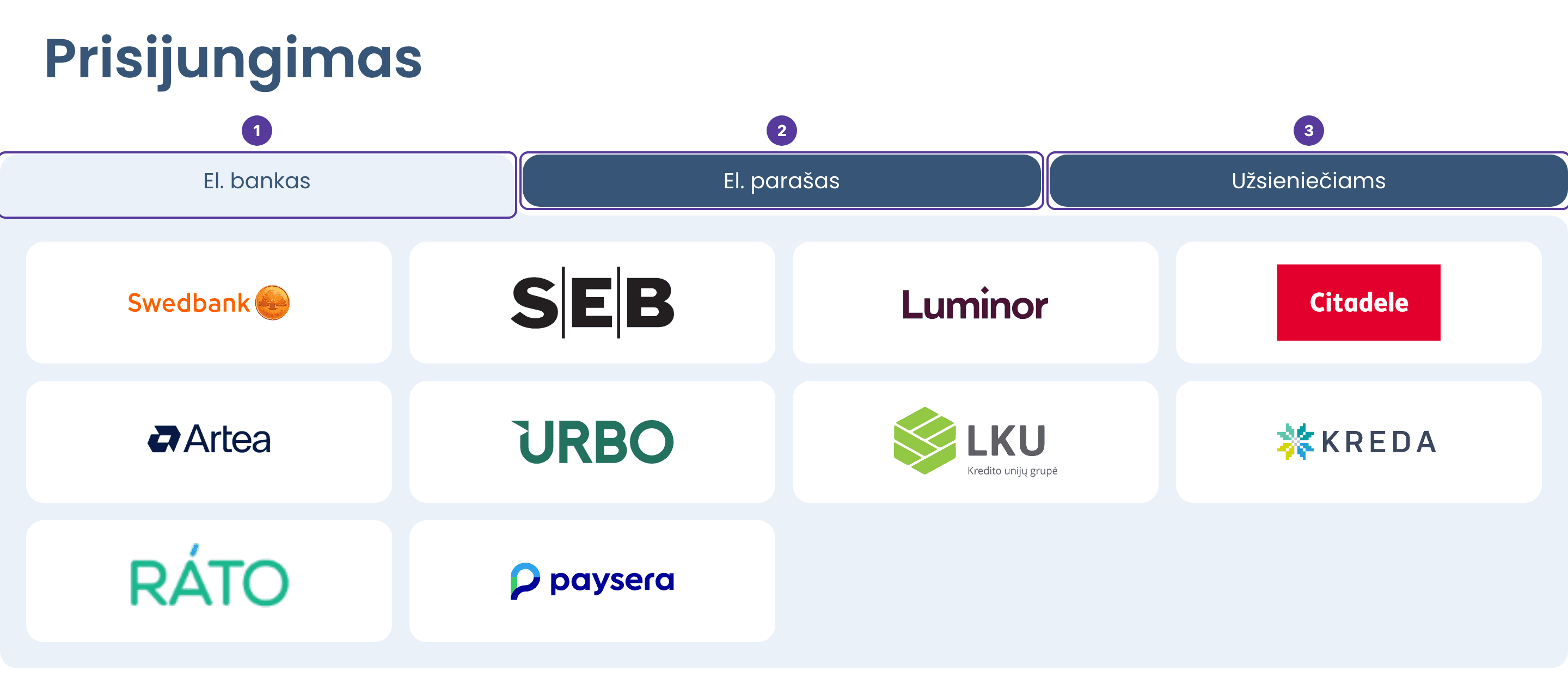
- El. bankas (e-banking) — pick your bank.
- El. parašas (e-signature) — Smart-ID or a mobile signature.
- Užsieniečiams — for foreign nationals.
If you open an account page while signed out (for example, after your session has ended), the portal asks you to sign in first and then takes you back to the same page.
Your first sign-in
The first time you sign in, the portal asks you to finish your profile in two steps. They are not repeated: after that, the e-Government Gateway takes you straight back to the portal.
Profile information
Your first name and last name come from the e-Government Gateway and cannot be changed. Enter your email (required) and, if you like, a phone number with its country code. Click Save — a confirmation code is sent to that address straight away.
Email confirmation
Enter the six-character code from the email and click Continue. Your account opens.
- No email? Wait up to 5 minutes and check your spam folder.
- Code wrong or expired? Click Send the code again.
- Mistyped your email? Click Back and correct it.
Signing out
Click your name in the top right corner and choose Log out.
Frequently asked questions
How is this guide?