Smart search
The portal search understands plain language — ask a question, not just a keyword.
Last updated on
The portal search understands plain language: you can type a whole question, not just a keyword. For example, “vidutinis darbo užmokestis pagal apskritis” (average wage by county) brings the wage-by-county dataset to the top. It searches the whole portal — datasets, statistics, classifications, use cases and organisations.
Smart search is available from every page of the portal.
How to search
Open search
There are two ways to open search:
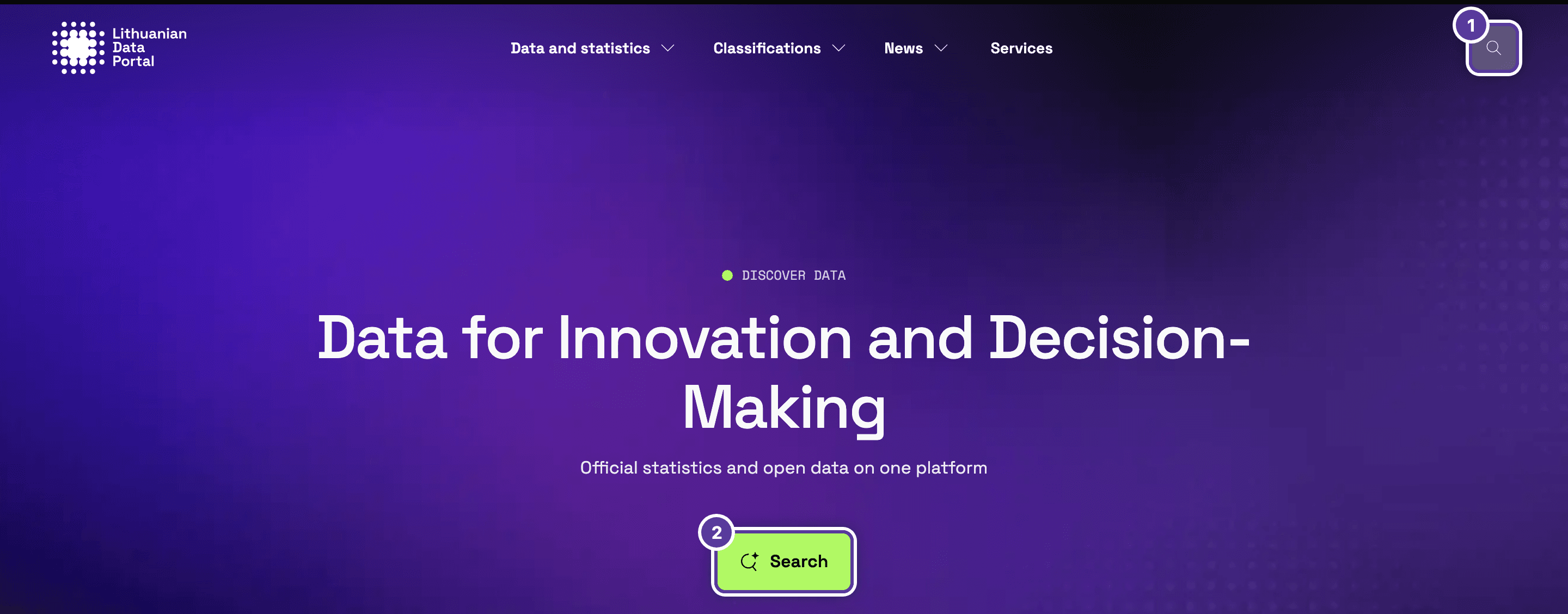
- The search icon in the portal header — available from any page.
- The Search button on the homepage.
Type your question
Write in plain language — a word, a phrase or a whole question. You don't need to know the exact dataset name. Press Search or Enter.

Lithuanian finds more
Datasets are named and described in Lithuanian, so a Lithuanian query matches far more of them. “Average salary by county” finds nothing, while “vidutinis darbo užmokestis pagal apskritis” finds dozens of results. The dataset pages themselves are available in English.
The query goes into the browser address, so you can copy the link to the results and share it.
Read the results
Results are ranked by relevance — the best matches come first — and the line above the list says how many were found. Every result is laid out the same way:

- Content type — for example, Statistics (an official statistics indicator) or Data (a dataset).
- Source, status and frequency. On the English portal these tags stay in Lithuanian: Oficialioji statistika (official statistics), Parengtas (completed), Kasmetinis (annual). Nebeatnaujinamas means no new data will be added.
- Title — first the indicator, then the breakdown after “|”. This dataset is broken down by county (Apskritys). Titles in the results list are in Lithuanian.
- Publication and update dates, and the data provider.
- Download formats. “+1” means one more format (JSON, for this dataset).
Filter by content type
Above the results, click one or more content-type filters. They combine — tick Statistics and Classifiers to see both — and All clears them.
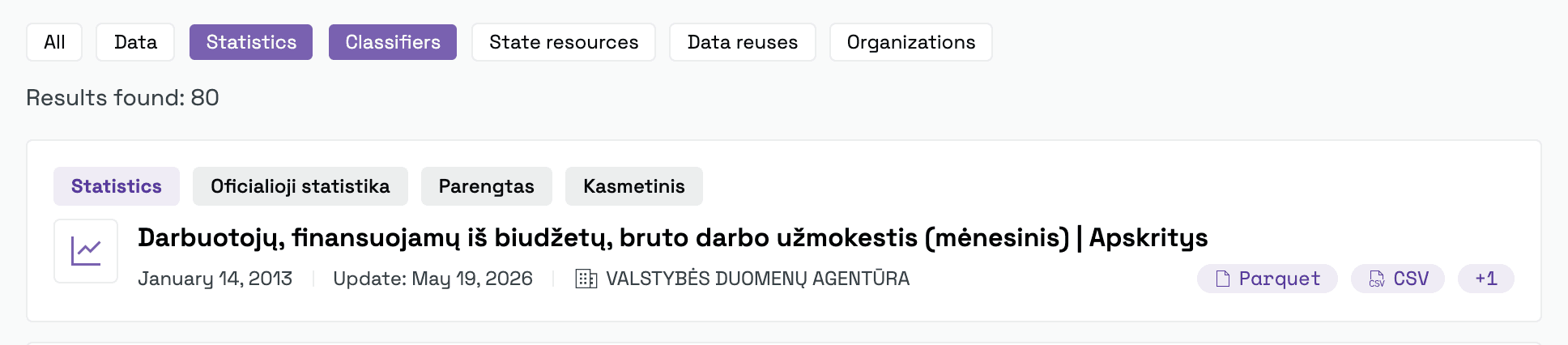
What each filter holds is in the table below.
Open the dataset
Click a result to open its dataset page, with the description, the data table and downloads — in English.
What search covers
| Filter | What it shows |
|---|---|
| All | All results together. |
| Data | Datasets. |
| Statistics | Official statistics indicators. |
| Classifiers | Classifications and vocabularies. |
| State resources | State information resources. |
| Data reuses | Examples of how data has been used. |
| Organizations | Data providers. |
If nothing is found
The portal shows “No results found”. Then:
-
Check the filters. The ticked content type may have no matches — click All.
-
Try Lithuanian. An English query often finds nothing where the Lithuanian one does — see the note above.
-
Search more broadly. Keep the key words, for example “darbo užmokestis” instead of a long question.
Tips & tricks
- Be specific. Adding a breakdown (for example, “pagal apskritis” — by county, or “ketvirčiais” — quarterly) gives sharper results.
- Looking for a specific dataset? Use the catalogue filters, where you can pin down by theme, type or status.
How is this guide?