Subscription
How to subscribe to portal news by email.
Last updated on
The portal can email you about data updates and other news. You subscribe from the Stay up to date section in the portal footer.
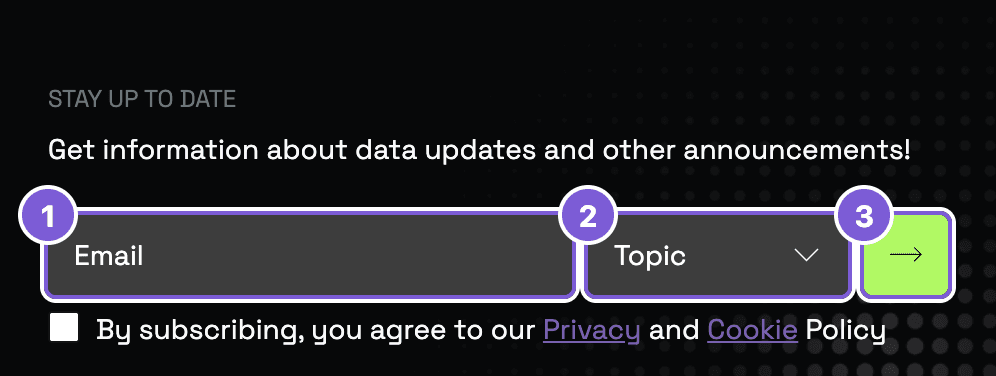
- The email field.
- The topic selector.
- The subscribe button.
Before clicking it, tick the consent checkbox below the fields.
How to subscribe
Enter your email
In the portal footer, type the address where you want to receive news into the Email field.
Choose a topic
From the Topic list, pick the area you're interested in (for example, Economy and finance or Health) — you'll get news for that topic only.
Agree and subscribe
Tick the consent box (this agrees to the Privacy and Cookies policy) and click Subscribe.
From then on, the address you gave will receive notices about data updates and news for the topic you chose.
Tips & tricks
- One topic per subscription. Want to follow several areas? Subscribe more than once — once for each topic.
How is this guide?