Service orders and payments
Your service applications and drafts, the steps of the order form and payments for services.
Last updated on
Under Services you see your service applications:
-
Submitted applications — sent to the State Data Agency.
-
Draft applications — drafts you saved before finishing.
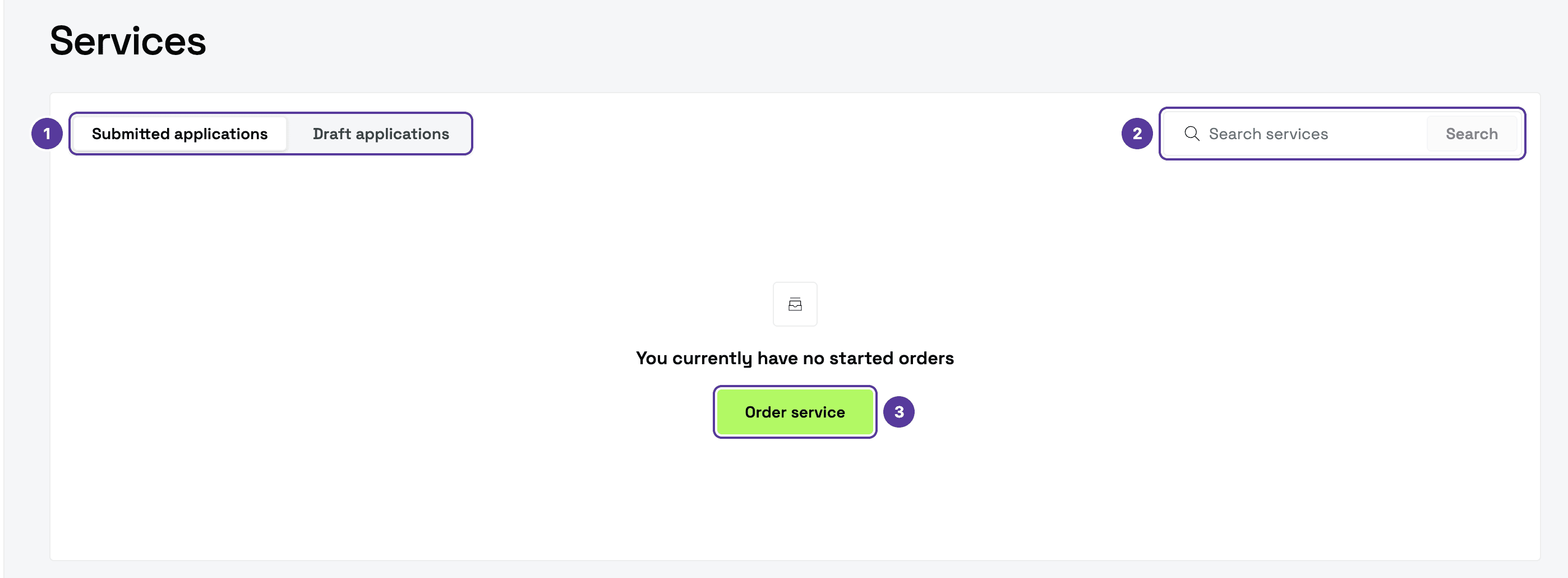
- Submitted applications and Draft applications — the list's tabs.
- Search services — search your applications.
- Order service — opens the order form.
The order form
Order service opens the order form:
Service requester
Choose who is ordering:
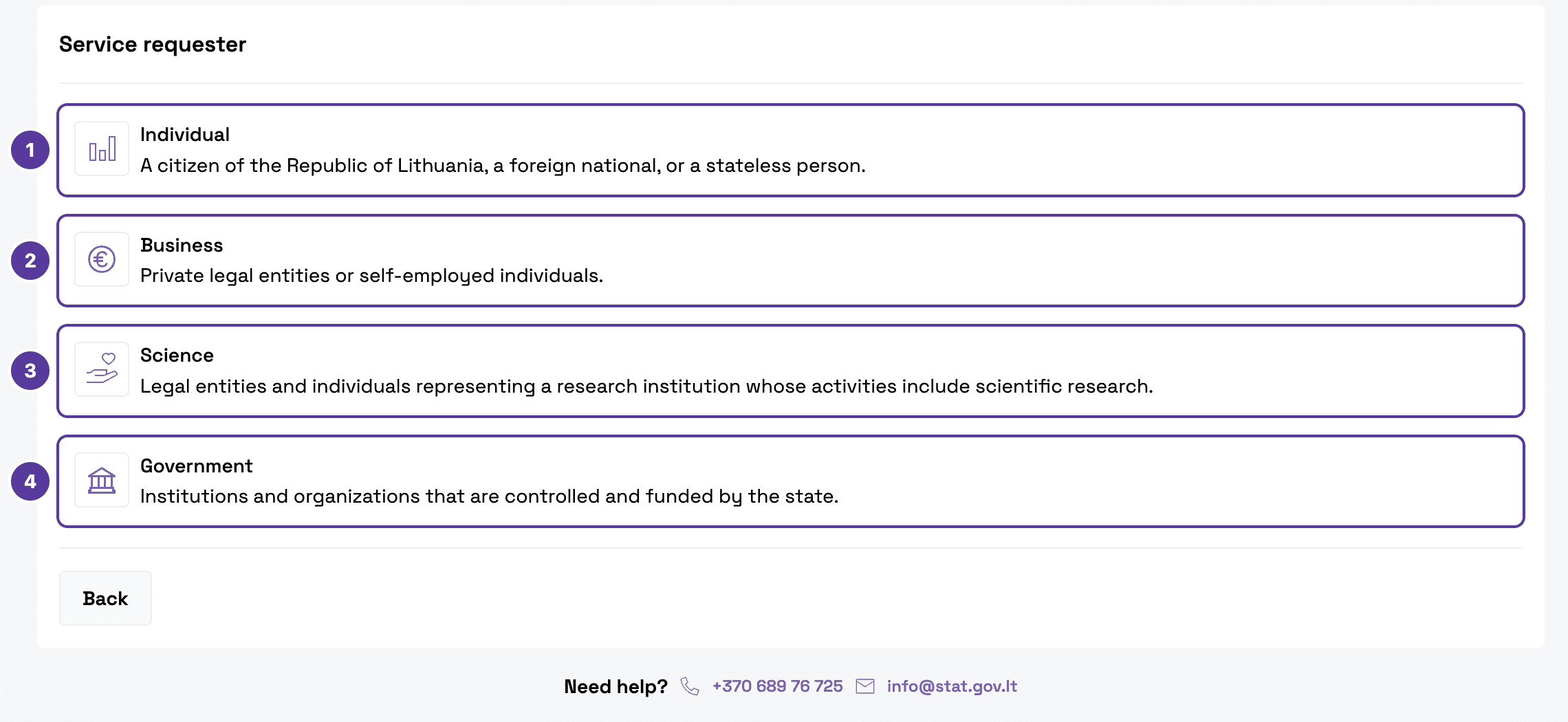
- Individual — a citizen of the Republic of Lithuania, a foreign national or a stateless person.
- Business — private legal entities or self-employed individuals.
- Science — people representing a research institution.
- Government — institutions and organisations controlled and funded by the state.
Service
Choose the service. Which ones are available depends on the requester: an individual can only choose Request data. To change your first choice, click the pencil next to it.
Requested data
Choose the Data type (statistical and/or administrative data, or health data) and describe what you need (up to 2000 characters). Click Continue, or Save draft and close — the draft appears under Draft applications.
What happens after you submit is described on the Services page. For help with ordering: +370 689 76 725, info@stat.gov.lt.
Payments
Payments lists your pending and completed payments for services: Order No., Service Title, Payment Status and Order Date. You can search and sort the list; filters appear once there are payments.
How is this guide?